
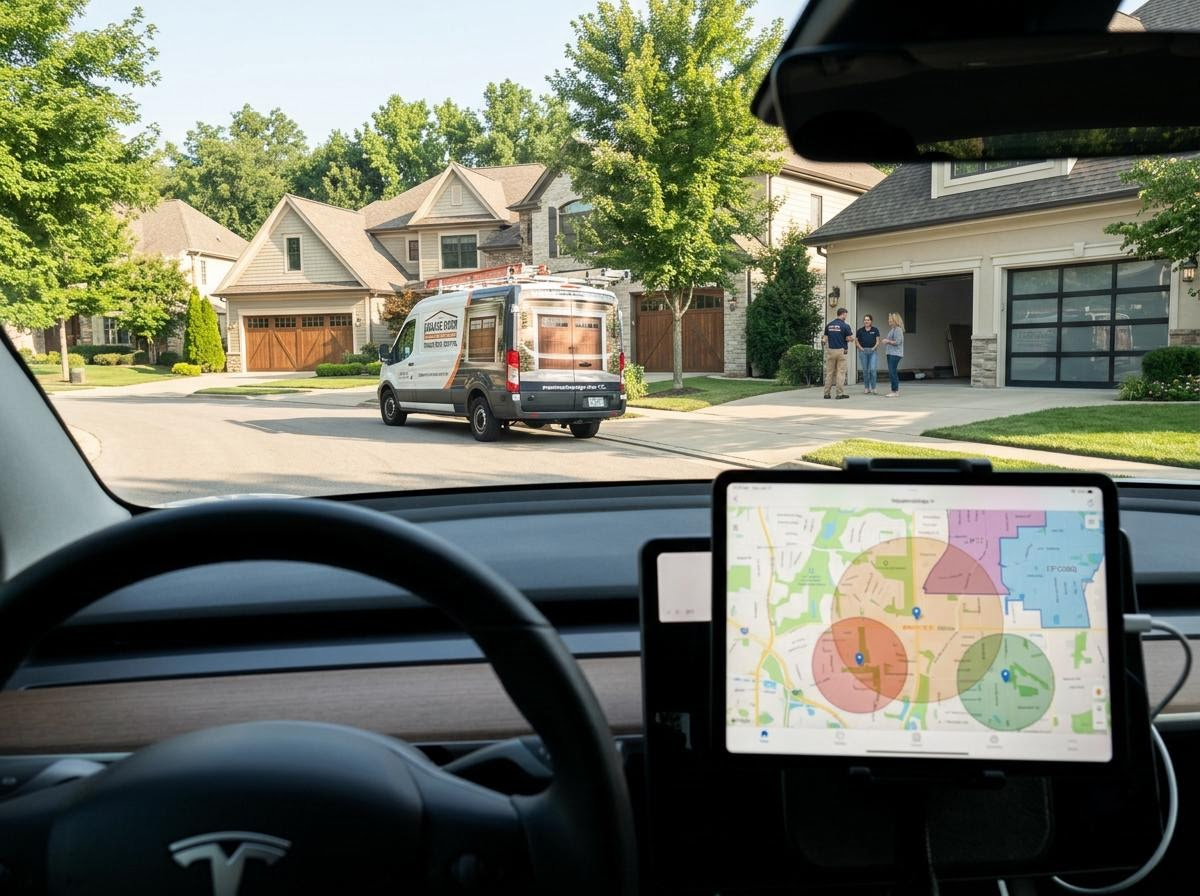
You can target specific neighborhoods for your garage door business in Google Ads by dropping precise 1-to-2 mile radius pins over target subdivisions, selecting high-income ZIP codes and switching your campaign location settings strictly to "Presence: People in or regularly in your targeted locations."
If you run a garage door repair and installation company, you already know that not all neighborhoods are created equal.
A $40 click for a broken spring in an older, modest neighborhood might net you a $200 repair job. That exact same $40 click in an affluent, gated golf community with twenty-year-old wooden carriage doors could easily turn into a $6,000 double-door replacement with high-end smart openers.
Most garage door contractors waste thousands of dollars setting their Google Ads location settings to target an entire city or county radius. As a result, their budget gets eaten up by low-margin service calls in out-of-the-way suburbs while their trucks drive past wealthy subdivisions full of high-ticket leads.
Targeting specific high-value neighborhoods with Google Ads requires moving beyond broad targeting tactics. Here is how to engineer your account to target exact subdivisions, affluent ZIP codes and high-margin neighborhoods.
Get Help With Google Ads Call Sales
1. Set your campaign location settings to "Presence" only
Before you type a single neighborhood name or postal code into Google Ads, you must fix the single biggest setting trap in the platform.
By default, Google Ads sets your campaign's location option to "Presence or Interest". This means Google will show your ads to people who are physically in your target neighborhood, plus anyone anywhere in the world who has searched for or shown interest in that area.
For a local service business, this is a disaster. A user sitting across the country searching for news about an affluent suburb could trigger your expensive garage door ad.
How to fix it:
Go to your Campaign Settings in Google Ads.
Expand the Locations drop-down menu.
Click Location Options.
Change the selection from "Presence or Interest" to "Presence: People in or regularly in your targeted locations."
This simple change guarantees that only homeowners physically located inside your target neighborhoods will see your ads.
2. Combine ZIP code targeting with radius pins
Google Ads does not allow you to type in the name of a specific housing subdivision (like "Oakridge Estates"), but it gives you two powerful tools to target that exact geographic footprint: Postal Code Targeting and Radius (Proximity) Targeting.
Method A: ZIP code targeting (The macro-neighborhood approach)
ZIP codes are the easiest way to isolate wealthy or densely populated pockets of a city.
Identify the top 10 highest-income ZIP codes in your service territory using census data or real estate maps.
In Google Ads location settings, choose Advanced Search -> Add Locations In Bulk -> paste your target ZIP codes.
Method B: Radius pin-dropping (The micro-neighborhood approach)
Sometimes a single ZIP code contains both high-end luxury homes and low-income apartments. If you want to target only the luxury subdivision, use Radius Targeting.
Go to Advanced Search in your location settings and select Radius.
Change the measurement distance to 1 mile or 2 miles.
Drop a pin directly on the center of the target neighborhood or local landmark (like a country club or homeowners association hub).
3. Layer income demographics on top of geographic boundaries
Geographic boundaries alone do not tell the whole story. Even within a target neighborhood, some households have significantly higher disposable income than others.
Google Ads allows you to layer Household Income Demographics directly over your location targets.
How to apply income filters:
Within your campaign, navigate to Audiences -> Demographics -> Household Income.
Review the tiers: Top 10%, 11–20%, 21–30%, 31–40%, 41–50% and lower 50%.
Apply bid adjustments based on your business goals:
Increase bids by +20% to +40% for the top 10% and 11–20% income brackets.
Decrease bids or completely exclude the lower 50% tier.
By combining a 1-mile radius pin over a wealthy subdivision with a +30% bid adjustment for the top 10% household income tier, you ensure your ads dominate the screen whenever a high-net-worth homeowner searches for garage door replacement.
4. Use localized ad copy to spike click-through rates
If a homeowner in an upscale neighborhood named Pine Creek searches for "custom garage door installation" and sees two competing ads:
Ad A: "Best Local Garage Door Repair — Fast, Reliable and Affordable"
Ad B: "Pine Creek's Custom Garage Door Experts — Premium Carriage Doors"
Ad B will win the click almost every single time. Localizing your ad copy builds instant credibility and signals to the homeowner that you are familiar with their neighborhood, their architectural styles and their HOA guidelines.
Dedicated neighborhood ad groups vs. location extensions
You can achieve hyper-local ad copy using two primary account structures:
Dedicated neighborhood ad groups: Create specific ad groups inside your campaign dedicated to distinct areas (e.g., Ad Group: Westlake Garage Doors). Write custom headlines referencing local street names, landmark hubs or neighborhood names.
Location extensions: Link your Google Business Profile to your Google Ads account. This automatically attaches your real business address, distance and local map pin directly beneath your search ads.
5. Build neighborhood-specific landing pages
The biggest mistake garage door contractors make after setting up hyper-targeted neighborhood campaigns is sending all that specialized traffic to a generic homepage.
If your ad explicitly targets homeowners in a specific high-end suburb, the landing page they land on should reflect that exact locality.
Elements of a high-converting neighborhood landing page:
Localized headline: "The Leading Custom Garage Door Installer Serving [Neighborhood Name] Homes."
Neighborhood job photos: Showcase photos of high-end wood-look, glass or insulated steel doors installed on actual homes in or near that community.
HOA compliance messaging: High-end subdivisions often have strict HOA regulations regarding exterior home changes. Including copy like "We handle HOA door style approvals and permitting for [Neighborhood Name] residents" removes friction and builds immediate trust.
Local testimonials: Feature reviews from customers who reside in that specific ZIP code or community.
6. Leverage negative keyword lists to weed out non-local and low-margin searches
Geographic targeting stops your ads from showing outside your physical boundaries, but it does not stop users inside your target neighborhood from searching for low-margin or irrelevantly broad terms.
If a wealthy homeowner in your 1-mile radius searches for "how to fix a garage door sensor," you do not want to spend $30 on that click. They are seeking DIY help, not hiring a crew.
Essential negative keyword categories for neighborhood campaigns:
DIY terms: "How to," "diagram," "manual," "YouTube," "adjust," "lube" and "tutorial."
Commercial queries: "Commercial overhead door," "loading dock," "warehouse door" and "roll up gate."
Cheap / discount intent: "Used garage doors," "scratch and dent," "cheap," "free estimate" and "liquidator."
Competitor brands you do not service: Directing ad spend away from brand terms for competitors who only handle low-end builder-grade doors keeps your budget focused on premium replacement leads.
7. Use negative location exclusions to protect your budget
Location targeting is not just about telling Google where you want to show ads—it is equally about telling Google where you refuse to show ads.
In any major metropolitan service area, there are industrial parks, rural outer zones or low-income sections where you either cannot make a profit or do not want your technicians driving.
How to implement location exclusions:
In your campaign location settings, click Excluded.
Enter the ZIP codes, cities or radius zones surrounding your target neighborhoods that you want to block.
Set your Excluded Location Option to Presence: People in your excluded locations.
By actively excluding low-performing areas, you prevent budget bleed and force 100% of your daily ad dollars into the high-ticket neighborhoods you picked.
8. Schedule your bids around neighborhood activity patterns
High-income homeowners and busy working professionals do not interact with home service ads at the same hours as emergency repair seekers.
While emergency spring repairs happen at 6:00 AM on weekdays, high-end door replacement searches often peak during specific leisure windows when homeowners are actively planning home improvements.
How to optimize your ad schedule:
Navigate to Ad Schedule in your Google Ads campaign sidebar.
Analyze conversion performance by hour of the day and day of the week.
Apply positive bid adjustments (+15% to +25%) during evening hours (6:00 PM to 9:00 PM) and weekend mornings when residential homeowners are browsing project ideas on their tablets and mobile devices.
Reduce or pause bids during overnight hours (12:00 AM to 5:00 AM) unless you maintain an active 24/7 emergency dispatch crew.
Final summary checklist for neighborhood targeting
To maximize your return on ad spend and secure higher-ticket garage door installations, verify your Google Ads account against this checklist:
[ ] Location option: Changed to Presence (not Presence or Interest).
[ ] Geographic scope: Targeted via high-income ZIP codes or 1-to-2 mile radius pin drops.
[ ] Demographics: Added bid increases (+20% to +40%) for top 10% and 11–20% household income brackets.
[ ] Ad copy: Tailored headlines to mention local areas, carriage styles and HOA expertise.
[ ] Negative keywords: Added robust DIY, commercial and discount negative keyword lists.
[ ] Landing page: Build localized pages with real neighborhood project photos and HOA messaging.
[ ] Exclusions: Explicitly excluded low-margin ZIP codes and industrial zones surrounding your target area.