×
×
Repurpose your blog content into engaging social posts in just a few clicks — get more out of every blog post you write.
The content bottleneck
You're busy running your business — you shouldn't have to constantly create new content for every social platform too.
A high-quality blog post sits on one page while your social feeds go quiet — every post is hours of effort that stops working the day it's published.
Writing, editing, and formatting a fresh social caption from scratch for every platform eats time you don't have.
Inconsistent posting is the single biggest drag on social growth, and keeping feeds full manually rarely survives a busy week.
Maximize your content, effortlessly
Turn one piece of content into multiple ways to share, and work smarter, not harder.
Automatically turn one blog post into eye-catching social posts that reach a wider audience, without writing them twice.
Generate up to four social posts per blog so your social calendar always has engaging content ready to go.
Consistent sharing of high-quality content is key to growth — the generator makes that consistency easy to maintain.
Automate the tedious work of writing, editing, and formatting new captions from scratch, freeing you up to focus on customers.
Questions
Related solution
Reviews

“Amazing team and a great product — they took my business from brand new to multiple locations over the last 5 years. I'd recommend the team at Marketing 360 to anyone.”
“From the beginning it's felt like the team is on our side, not out for their own gain — genuinely refreshing. They made the website easy to understand every step of the way. Very glad I took this leap of faith.”
“Alex did an amazing job on the website and walked me through, step by step, how to update things myself. I love that the quote button alerts my email the moment a potential customer requests one.”
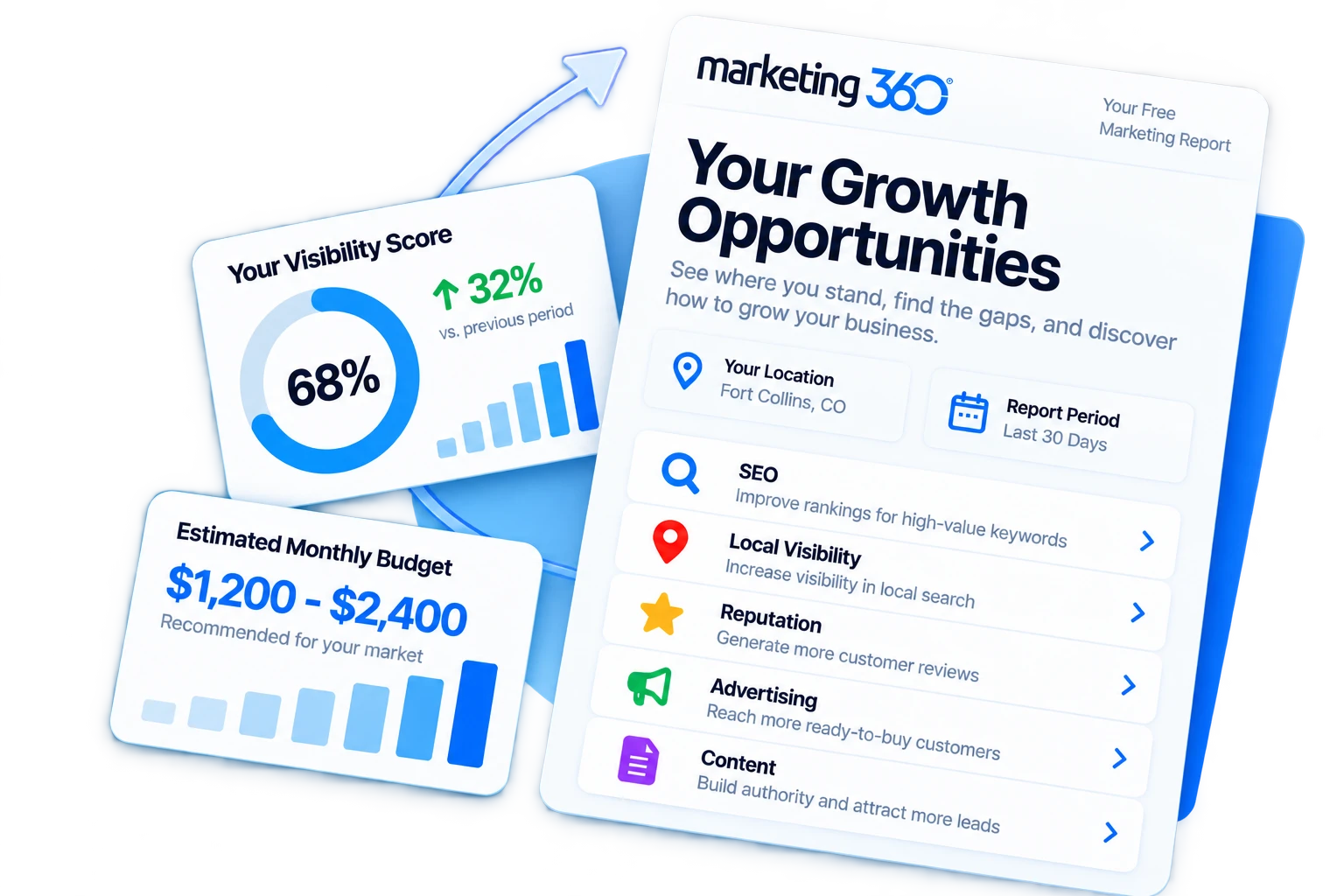
See Your Growth Opportunities
Get a free marketing visibility report to see where your business stands, where you're missing opportunities, and what it could cost to maximize your visibility in your market.