
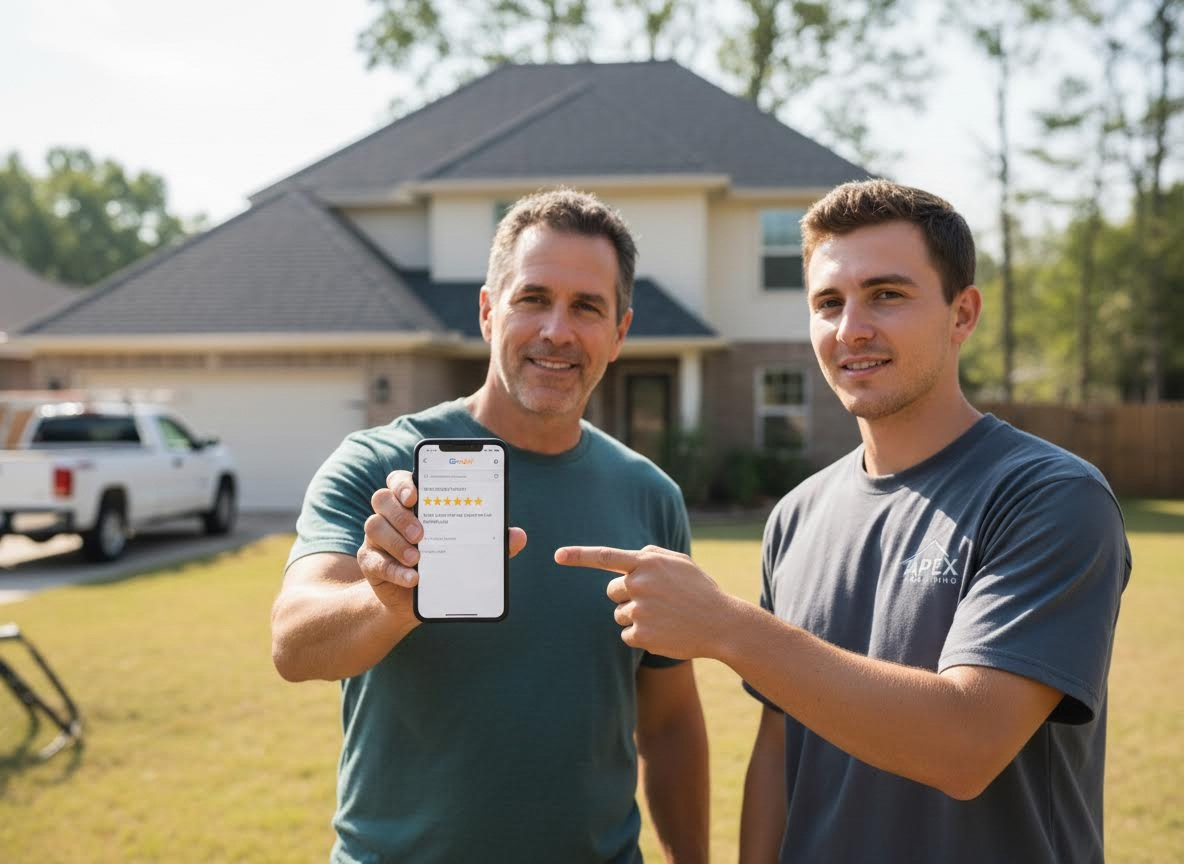
In the roofing industry, a five-star review is worth its weight in gold. It is the single most powerful factor for ranking in the Google Maps Local 3-Pack and getting chosen by AI search engines.
However, if you are relying on your project managers to manually email a review link days after a job is completed, you are leaving money on the table. The secret to a massive review volume is automation and timing. You need to ask for the review when the homeowner is at peak satisfaction— the moment the yard is clean and the new roof looks perfect.
Here is how to set up an automated review machine that runs on autopilot and will take your roofer marketing to the next level.
1. Trigger the request using your roofing CRM
You should never send review requests completely at random. The entire automation relies on a trigger inside your roofing CRM (like Marketing 360, JobNimbus, AccuLynx or Jobber).
The trigger: Set up a rule where the automation fires the exact moment a project status changes to "Job Completed" or "Invoice Paid."
The logic: This ensures that the system only asks for reviews from clients who have reached the end of their customer journey and are happy with the final product.
2. Prioritize text messages over emails
Email open rates hover around 20%, but text messages boast a 98% open rate. If you want a quick response, you must send a text.
The automation should send a text message within 15 minutes of the job status change. Keep the text short, casual and personal.
The automated text template: "Hi [Client Name], this is [Project Manager Name] with Apex Roofing. Our crew just finished cleaning up the job site! We hope you love your new roof. Could you take 30 seconds to let Google know how our team did? It helps a local business like ours a ton: [Your Shortened Google Review Link]"
3. Route customers directly to the Google review page
Never send a homeowner to your website homepage and expect them to find your review button. Every extra click drops your conversion rate by half.
The hack: Go to your Google Business Profile manager and copy your unique review link.
The result: When the customer clicks the link in your automated text, it should immediately open the Google Maps app on their phone with the five-star box already checked and the blinking cursor ready for them to write.
4. Tie a dynamic incentive to your field crew
Automation works best when combined with a human touch. The best way to supercharge your automated system is to make your field crew part of the process.
The strategy: Tell the homeowner before the job ends that your crew gets a bonus if they are mentioned by name in a review.
The tactic: When the automated text hits their phone 15 minutes after the crew leaves, the homeowner isn't just reviewing a company, they are helping out Joe or Mike who just worked hard on their roof for three days.
5. Set up an automated polite follow-up
Homeowners are busy. If they don't click the link on the first day, they will likely forget about it. Your automation platform should include a single follow-up step.
The timeline: Wait exactly 3 days after the initial text.
The condition: If they have not clicked the link, send a gentle email follow-up.
The email template: "Hi [Client Name], just checking in to make sure your property was left spotless. If you have a quick moment, your feedback means the world to our team: [Link]"
The bottom line
Stop chasing homeowners for reviews weeks after the project is done. By connecting your CRM to a text automation tool, you can strike while the iron is hot. You will watch your review volume multiply, your Google rankings climb and your lead costs drop—all without lifting a finger.
Ready to take your roofer marketing to new heights? Marketing 360 can help. Contact us today!