×
×
Time spent hunting for information is time lost closing a deal. See the full picture of every contact in seconds, right on their profile.
The problem
When a contact calls, you need to be informed and ready — not scrolling through scattered notes.
Time spent hunting for a contact's history is time lost closing the deal while they're still on the line.
Manually cross-referencing notes, deals, and history fields before every call eats minutes you don't have.
Forgetting where a contact actually stands means recommending the wrong next step instead of the right one.
See the full picture in seconds
A fundamental shift in how small businesses manage sales and customer relationships.
Pulls from CRM custom fields, notes, deals, projects, lists, history, and original UTM data into one view.
Recommends exactly what to do to keep nurturing a contact, instead of leaving you to guess.
Click the refresh icon any time to regenerate the summary, so the information is always current.
Stop manually cross-referencing notes, deals, and history — get the same understanding in seconds.
A clear view of where a contact stands lets you focus on solutions instead of digging for context.
Get the full context of the customer journey in seconds, so you can be relatable the moment they call.
Questions
Related solution
Reviews

“Amazing team and a great product — they took my business from brand new to multiple locations over the last 5 years. I'd recommend the team at Marketing 360 to anyone.”
“From the beginning it's felt like the team is on our side, not out for their own gain — genuinely refreshing. They made the website easy to understand every step of the way. Very glad I took this leap of faith.”
“Alex did an amazing job on the website and walked me through, step by step, how to update things myself. I love that the quote button alerts my email the moment a potential customer requests one.”
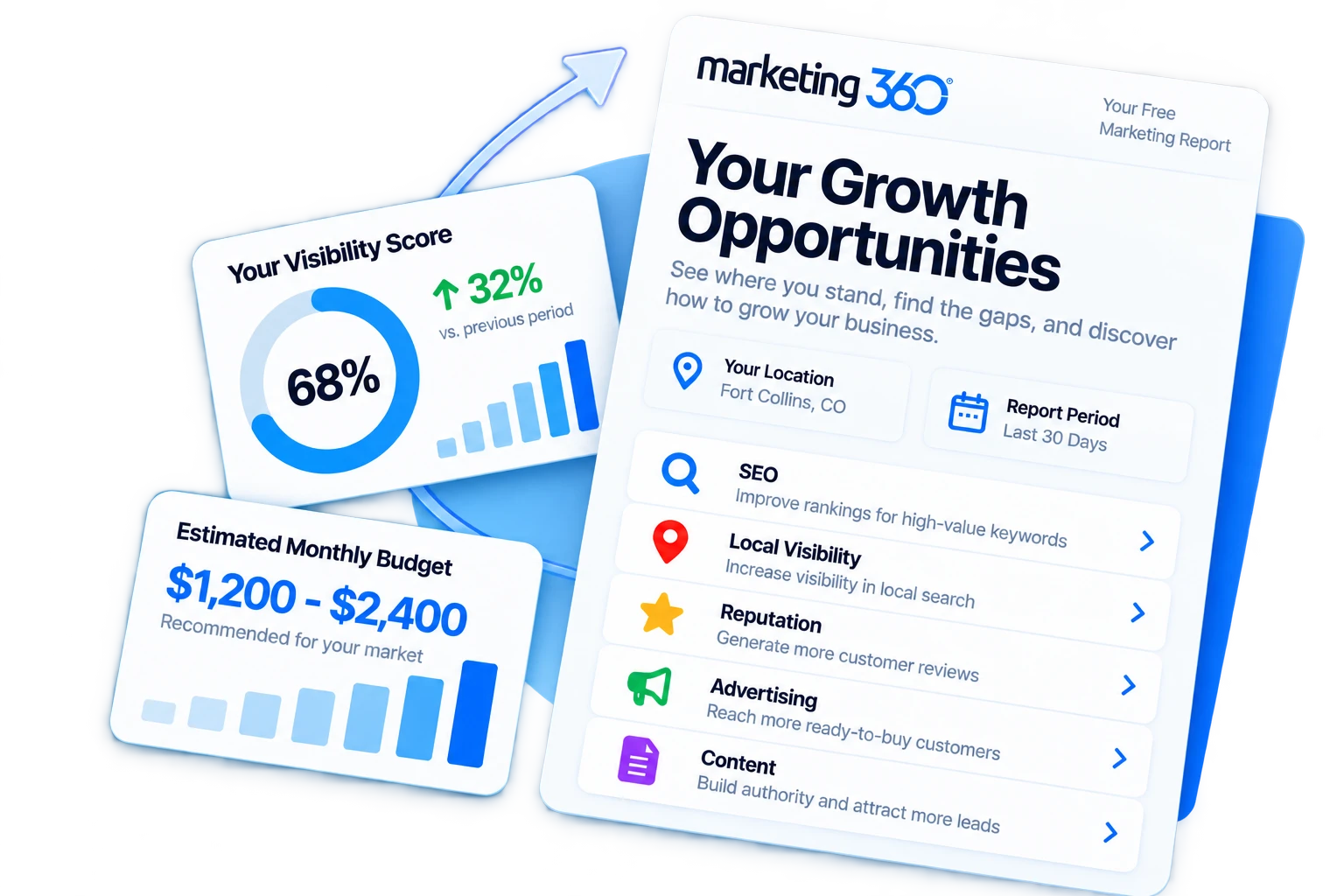
See Your Growth Opportunities
Get a free marketing visibility report to see where your business stands, where you're missing opportunities, and what it could cost to maximize your visibility in your market.