
If you are trying to rank for "AC repair in [Suburb Name]," you are likely fighting an uphill battle. If your office address isn't in the city or town you are trying to rank for, Google’s algorithm might think you are too far away to be relevant to the folks living in the suburbs.
So, how do you prove to Google that you actually do business in those neighborhoods? You use geo-tagged photos.
Geo-tagging is a simple, often overlooked HVAC marketing strategy that provides Google with physical proof of your service area. It transforms a standard photo of a furnace install into a data-backed signal that tells the search engine exactly where your work is happening.
Start Your Path to Better Rankings Call Sales
What is geo-tagging and why does it matter?
When you take a photo with a smartphone, the device automatically records EXIF data. This data includes the date, time, camera settings and crucially, the GPS coordinates of where the image was captured.
When you upload that photo to your Google Business Profile (GBP), you are passing that location data to Google. While Google’s AI is getting better at seeing what is in an image, the geo-tag gives it a definitive coordinate to cross-reference with your stated service area.
It builds trust and local authority by proving you are actively working in the neighborhoods you want to rank for.
The step-by-step workflow for HVAC technicians
You can't just upload random photos from your computer. You have to capture them in the field. Here's the workflow your techs should follow:
Enable location services: Ensure every technician's phone has location services enabled for the camera app. Without this, the GPS coordinates won't be recorded.
Take the photo on-site: The photo must be taken at the customer's house, not back at your shop or in the parking lot.
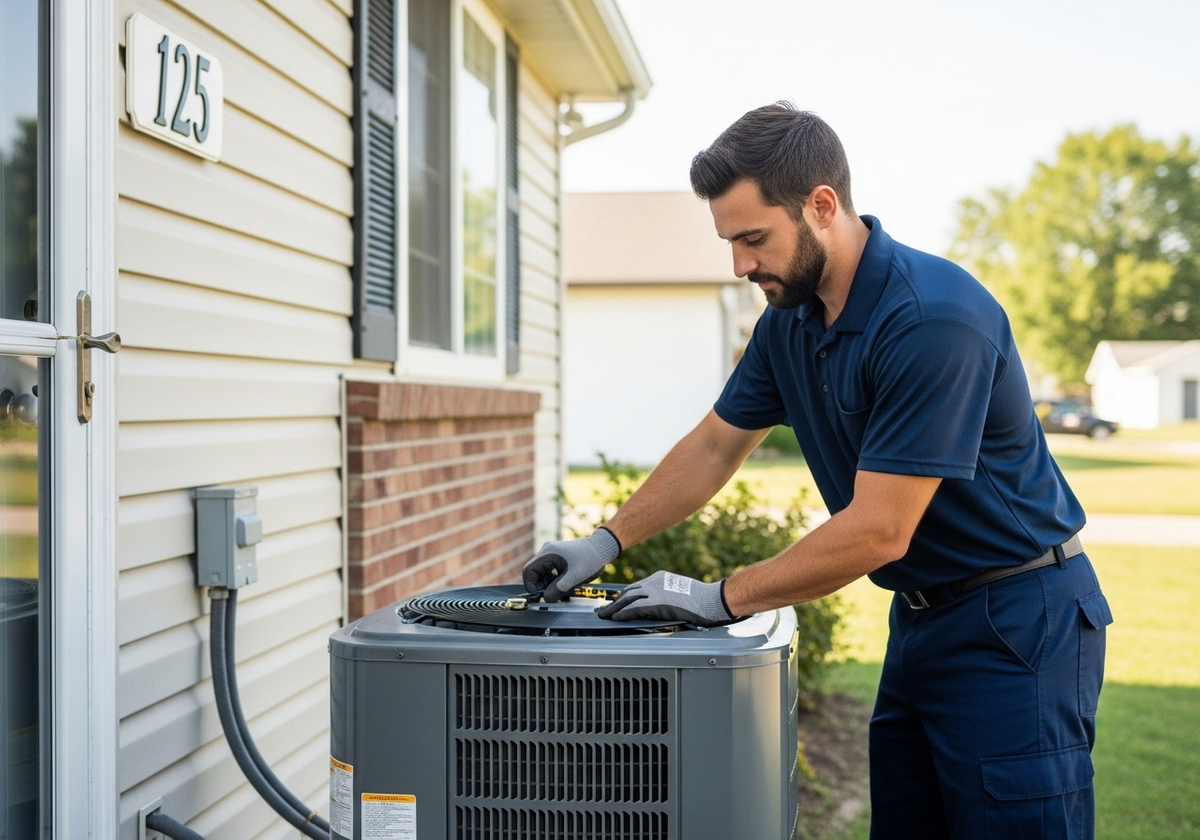
Capture the context: Do not just take a picture of a random wire. Include the technician, the unit, the branded truck or the house exterior if possible. The more visual proof of HVAC work in the image, the better.
Upload directly: Use the Google Business Profile app (or your CRM integration) to upload the photos while your technician is still at the job site. This ensures the metadata remains intact.
The secret sauce: captioning for keywords
Geo-tags help Google confirm your location, but your captions help Google confirm your intent.
When you upload a photo, Google gives you a text field for a caption. Do not leave it blank. Do not just write AC install. Write a descriptive caption that includes your keywords and the neighborhood name.
Bad caption: AC repair.
Good caption: Our team just finished a high-efficiency AC installation for a happy customer in the [Neighborhood Name] area. We specialize in cooling solutions for the older homes in this part of town.
This caption reinforces the geo-tag and gives Google’s text-based algorithm exactly what it needs to categorize your post for local searches.
Pro-tips for maximum impact
Volume matters: Uploading one photo per week isn't enough to dominate a neighborhood. Aim for 3-5 photos per job site. The more data points you provide for a specific zip code, the stronger your ranking signal becomes.
Consistency is key: If you only post photos from your office, Google will only rank you in the city/town where your office is located. Make sure your photo footprint matches your desired service area.
Tag your team: If your technicians have their own Google profiles or social media, encourage them to tag their location when they post photos. It creates a web of location signals that points directly to your business.
How Marketing 360 can help
Managing geo-tagged photo uploads for 20+ techs across 50+ job sites per week is a logistics nightmare. You don't have time to audit every photo for metadata or write SEO-friendly captions for every single post.b Marketing 360® simplifies this process with our integrated reputation and content management tools. We help you create an automated workflow so you an focus on running your HVAC business.
Visit www.marketing360.com to see how we can turn your technicians into your best local SEO asset. Contact us today!